TreeView
Description
TreeView extends the WPF TreeView to display hierarchical items with optional multiple selection.
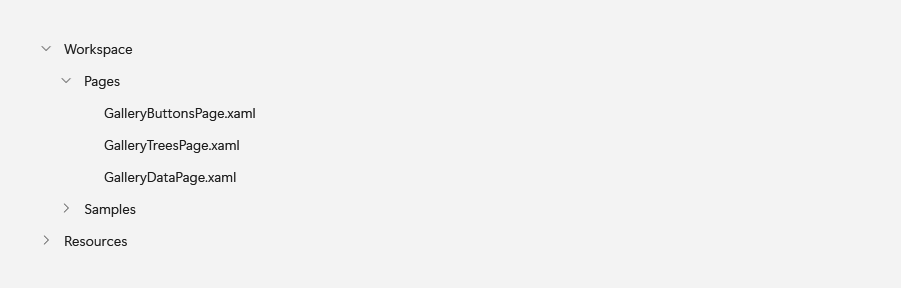
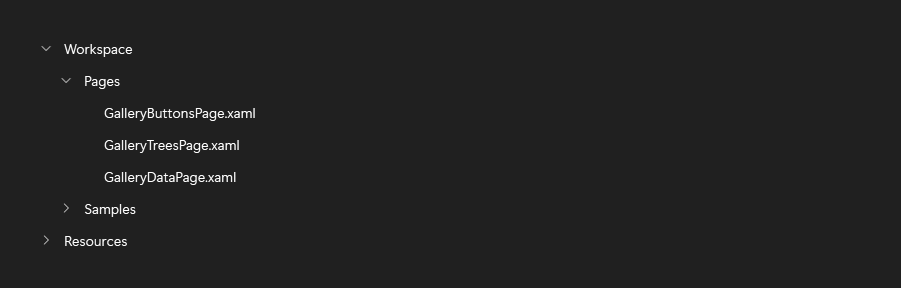
Expanded nodes
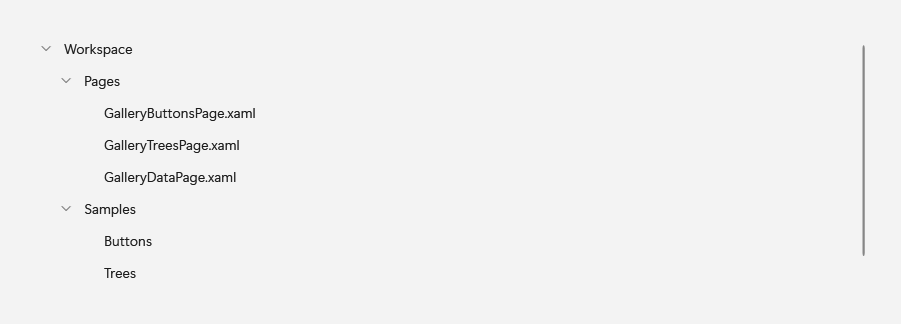
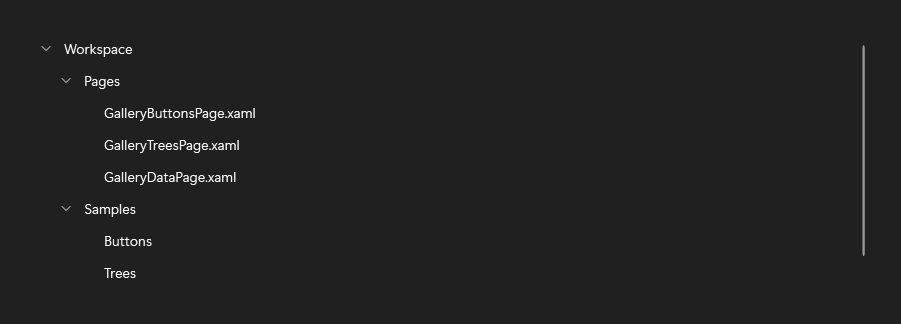
Example usage
- XAML
- C#
<fluence:TreeView>
    <fluence:TreeViewItem Header="Workspace" IsExpanded="True">
        <fluence:TreeViewItem Header="Pages" />
    </fluence:TreeViewItem>
</fluence:TreeView>
var tree = new Fluence.Wpf.Controls.TreeView();
tree.Items.Add(new Fluence.Wpf.Controls.TreeViewItem { Header = "Workspace" });
Key properties
| Property | Default | Purpose |
|---|---|---|
SelectionMode | Single | Selects single, multiple, or no selection. |
SelectedItems | Empty collection | Stays the same list instance while the tree updates its contents. In Multiple mode it contains the checked items represented by current containers. |
State and behavior
In Multiple mode, check a branch to apply the same state to its descendants. Collapsed data-bound descendants receive a pending check or uncheck when WPF creates their containers. Until then, their bound values and SelectedItems can still omit the pending state. If a command needs the full checked hierarchy before expansion, keep that state in the data model. Selection of unrealized descendants
Events
Use the inherited SelectedItemChanged event for WPF single-selection changes.
Related
Parts
TreeViewItem
Description
TreeViewItem represents an expandable node inside TreeView. The screenshots show TreeViewItem inside TreeView.
Use it for a node within a TreeView hierarchy.
See the parent control captures above for this part in context.
Example usage
<fluence:TreeView>
    <fluence:TreeViewItem Header="Workspace" IsExpanded="True">
        <fluence:TreeViewItem Header="Pages" />
    </fluence:TreeViewItem>
</fluence:TreeView>
State and behavior
IsExpanded reveals children. In Multiple mode, IsSelectionChecked can be checked, unchecked, or indeterminate when a parent has mixed descendants.
Reference
Additional behavior
TreeView uses physical scrolling by default. With SelectionMode="Single" or "None", set VirtualizingPanel.IsVirtualizing="True" to opt in. Set VirtualizingPanel.VirtualizationMode="Recycling" to reuse containers. Bind selection and expansion to the data model if they must survive recycling. The shipped Multiple template keeps physical scrolling because checked selection and parent state depend on realized containers. Multiple-selection virtualization limit