NavigationView
Description
Use a left pane for persistent destinations, with a header and separator to group the items.
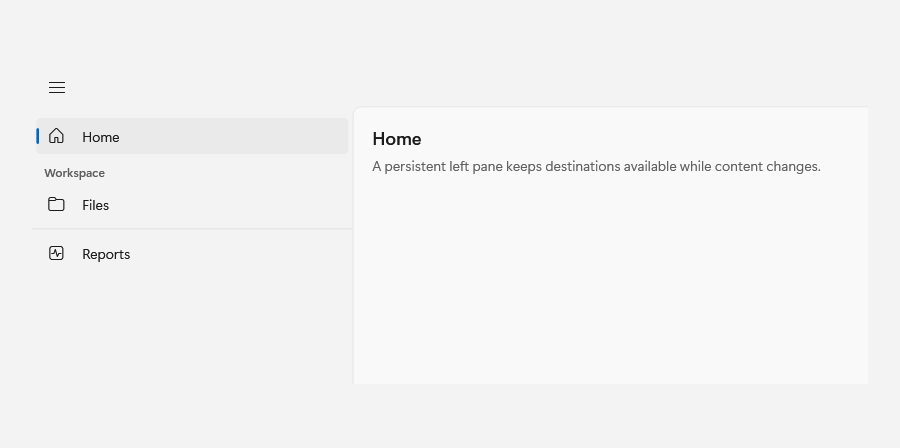
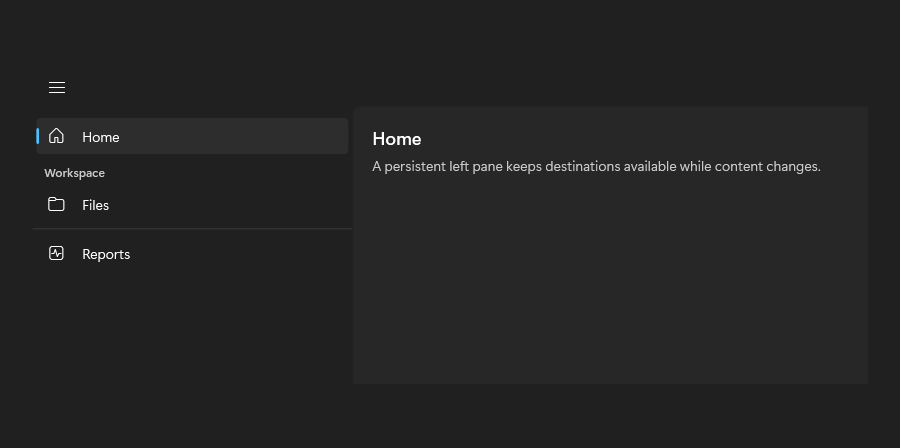
Example usage
<fluence:NavigationView PaneDisplayMode="Left">
    <fluence:NavigationViewItem Content="Home" IsSelected="True" />
    <fluence:NavigationViewItem Content="Files" />
</fluence:NavigationView>
State and behavior
Selection moves the indicator; pane display mode changes the shell layout and back requests are explicit.