ListView
Description
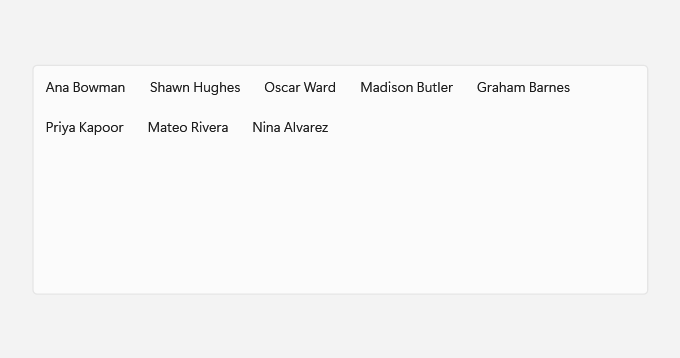
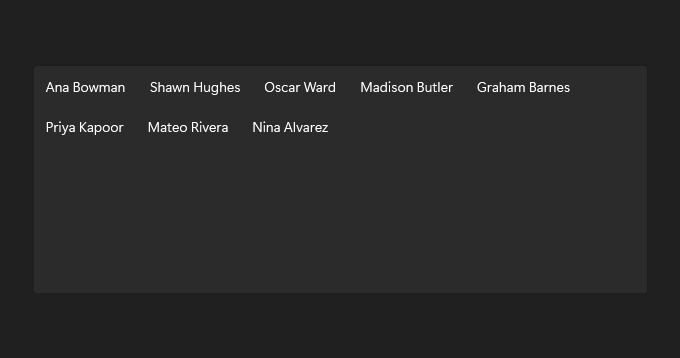
Set ItemsLayout to Grid when items read better as tiles that wrap across the list; List keeps one item per row.
Use it for a list of items, switching to a grid when tiles suit the content.
Example usage
<fluence:ListView ItemsLayout="Grid">
    <fluence:ListView.EmptyContent>
        <TextBlock Text="No people to show." />
    </fluence:ListView.EmptyContent>
    <ListViewItem Content="Ana Bowman" />
    <ListViewItem Content="Shawn Hughes" />
    <ListViewItem Content="Priya Kapoor" />
</fluence:ListView>
State and behavior
Selection highlights a row. ItemsLayout="Grid" arranges items as tiles; change it to List for one item per row. EmptyContent appears when the collection is empty.