Flyout
Description
Use Flyout for lightweight, light-dismiss popups (details, quick forms, confirmations) anchored to a control.
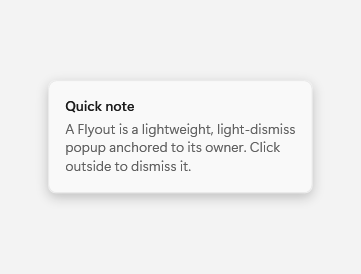
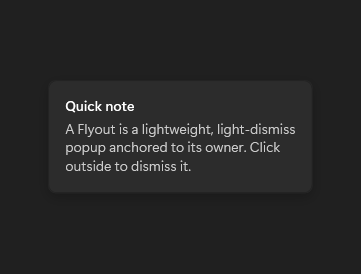
Captured state changes
Open
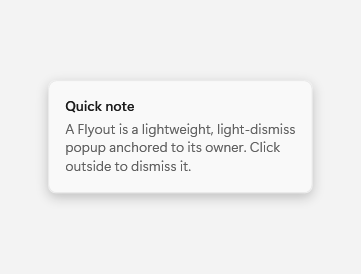
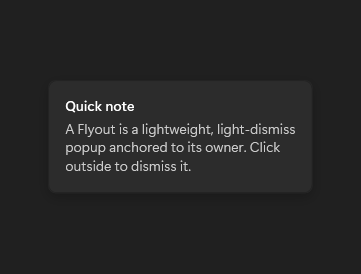
Example usage
<fluence:Button Content="More" Click="ShowFlyoutButton_Click">
    <fluence:FlyoutBase.AttachedFlyout>
        <fluence:Flyout Content="Details" />
    </fluence:FlyoutBase.AttachedFlyout>
</fluence:Button>
In the window or page code-behind:
private void ShowFlyoutButton_Click(object sender, System.Windows.RoutedEventArgs e)
{
    if (sender is System.Windows.FrameworkElement target)
    {
        Fluence.Wpf.Controls.FlyoutBase.ShowAttachedFlyout(target);
    }
}
State and behavior
The anchored popup opens on request and closes on light dismissal or Hide.