ContextMenu
Description
Use ContextMenu for actions that apply to a selected item or region.
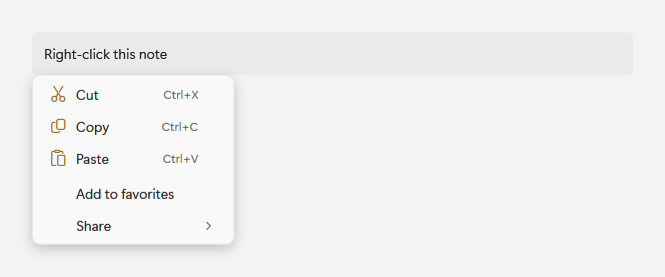
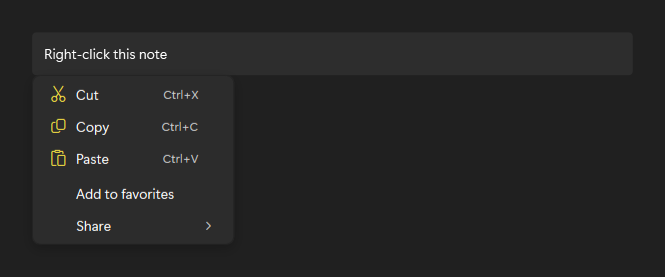
The images show the open menu. A closed context menu has no visible surface.
Example usage
- XAML
- C#
<fluence:Button Content="Open context menu">
    <fluence:Button.ContextMenu>
        <fluence:ContextMenu>
            <fluence:MenuItem Header="Copy" />
        </fluence:ContextMenu>
    </fluence:Button.ContextMenu>
</fluence:Button>
var menu = new Fluence.Wpf.Controls.ContextMenu();
menu.Items.Add(new Fluence.Wpf.Controls.MenuItem { Header = "Open" });
Key properties
| Property | Default | Purpose |
|---|---|---|
Items | Empty collection (WPF default) | Menu items displayed in the popup. |
IsOpen | false (WPF default) | Controls whether the menu is open. |
PlacementTarget | null (WPF default) | Element used to position the popup. |
State and behavior
The menu opens at the target and closes after a command or light dismissal.
Events
The inherited Opened and Closed events report popup state changes.