Border
Description
Use Border to frame a region, StackPanel spacing for readable rows, and Separator to divide related content.
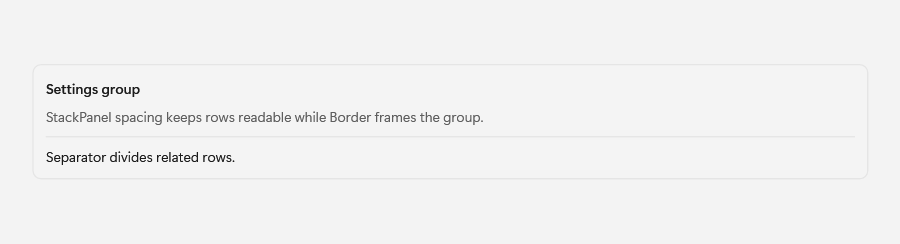
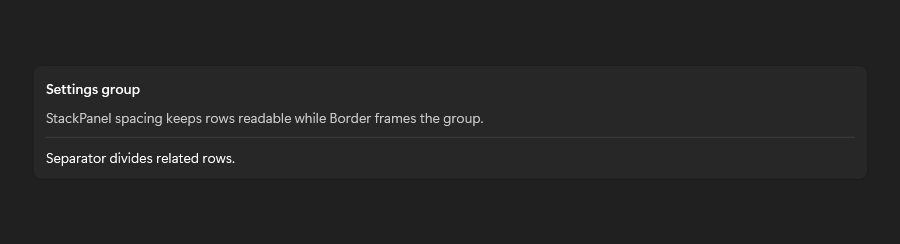
Example usage
<fluence:Border
    BorderBrush="{DynamicResource CardStrokeColorDefaultBrush}"
    BorderThickness="1"
    CornerRadius="8"
    Padding="12">
    <TextBlock Text="Framed content" />
</fluence:Border>
State and behavior
BorderBrush, thickness, and corner radius frame content and follow dynamic theme resources.